Shapes add a splash of creativity to plain worship lyric slides. Some newer packs include shapes built right into the motion backgrounds, which makes this look easy to use. Follow these guidelines when you pair these backgrounds with your worship lyrics.
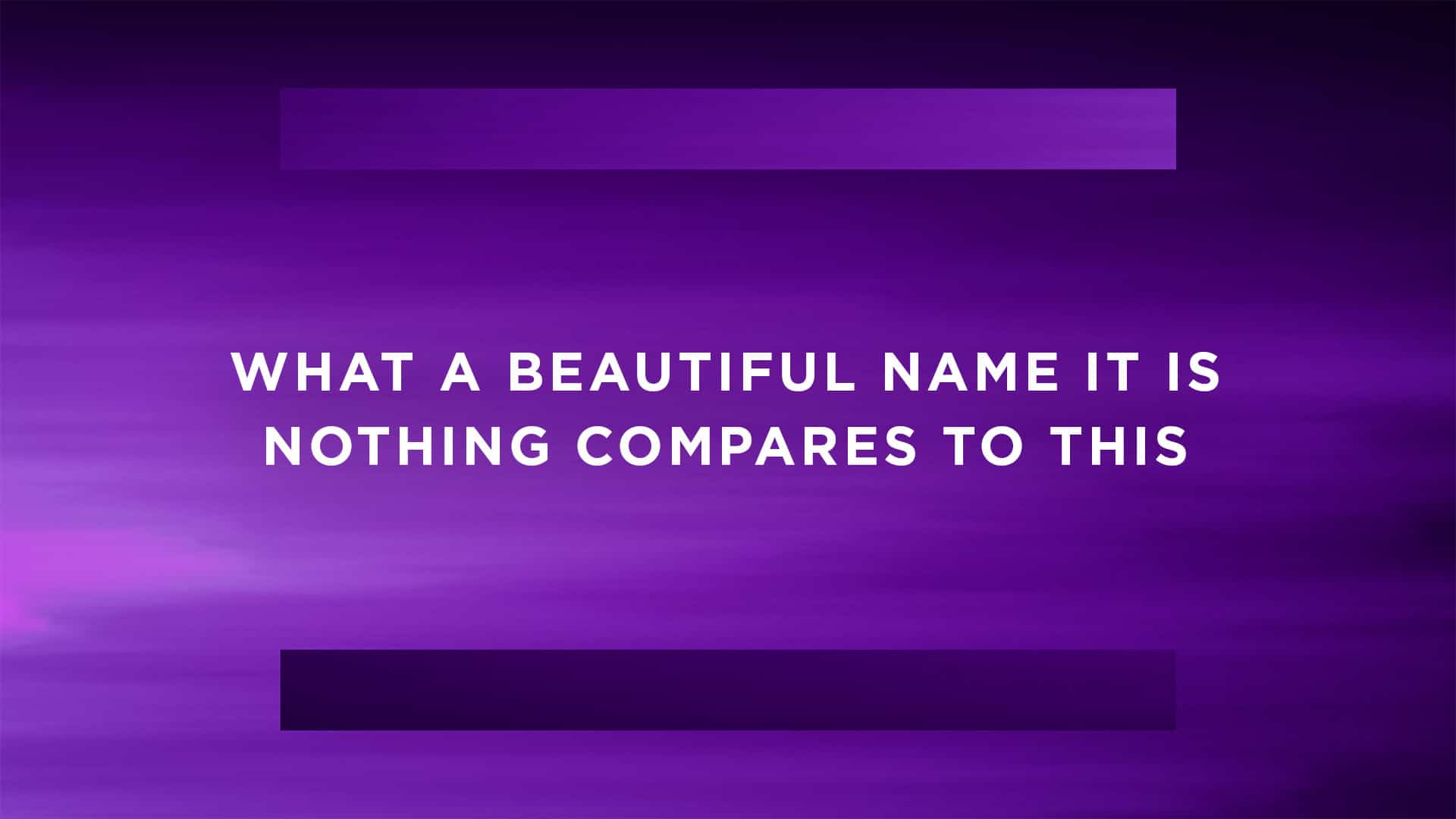
Center the Text on Your Slide
It can be tempting to treat the shapes as foreground elements and arrange your text around them. This style looks best, though, when you center your text vertically and horizontally over the shapes.
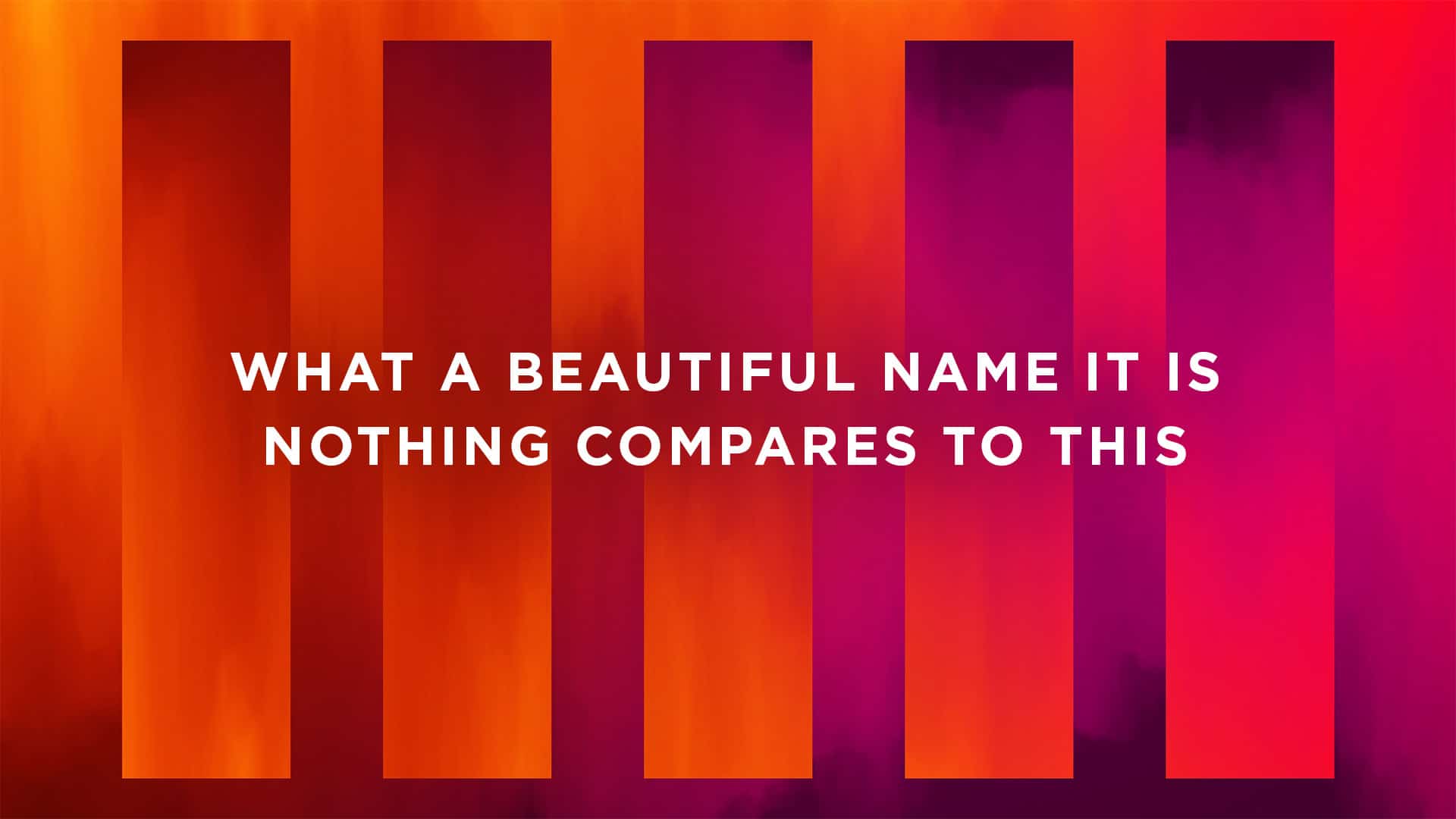
Stick to One or Two Lines of Text
Your text often fits right inside the shapes. Use one or two lines of text per slide, with three lines as a rare maximum. This keeps your slides clean and suits this creative style.
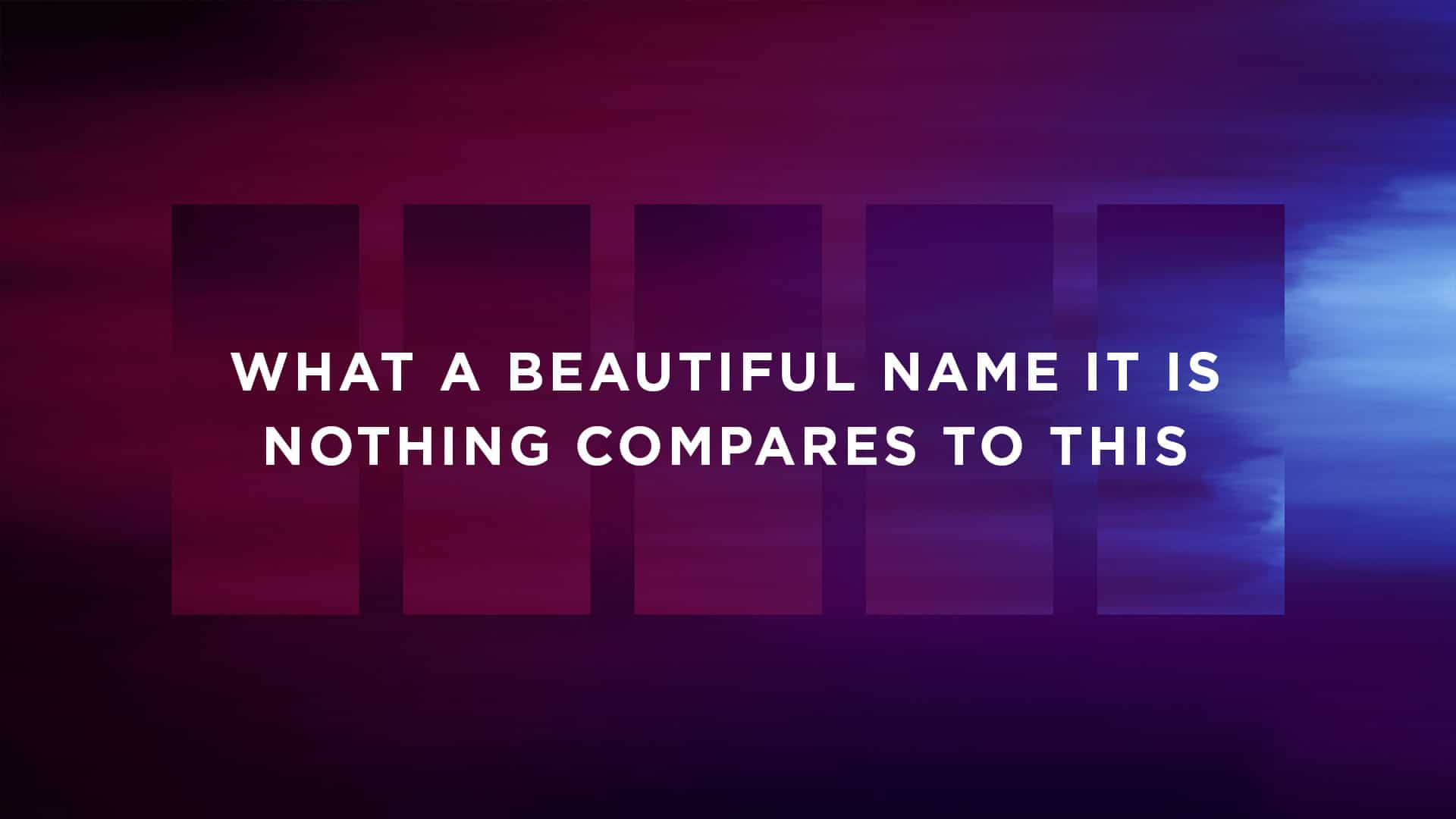
Don’t Be Confined to the Shape
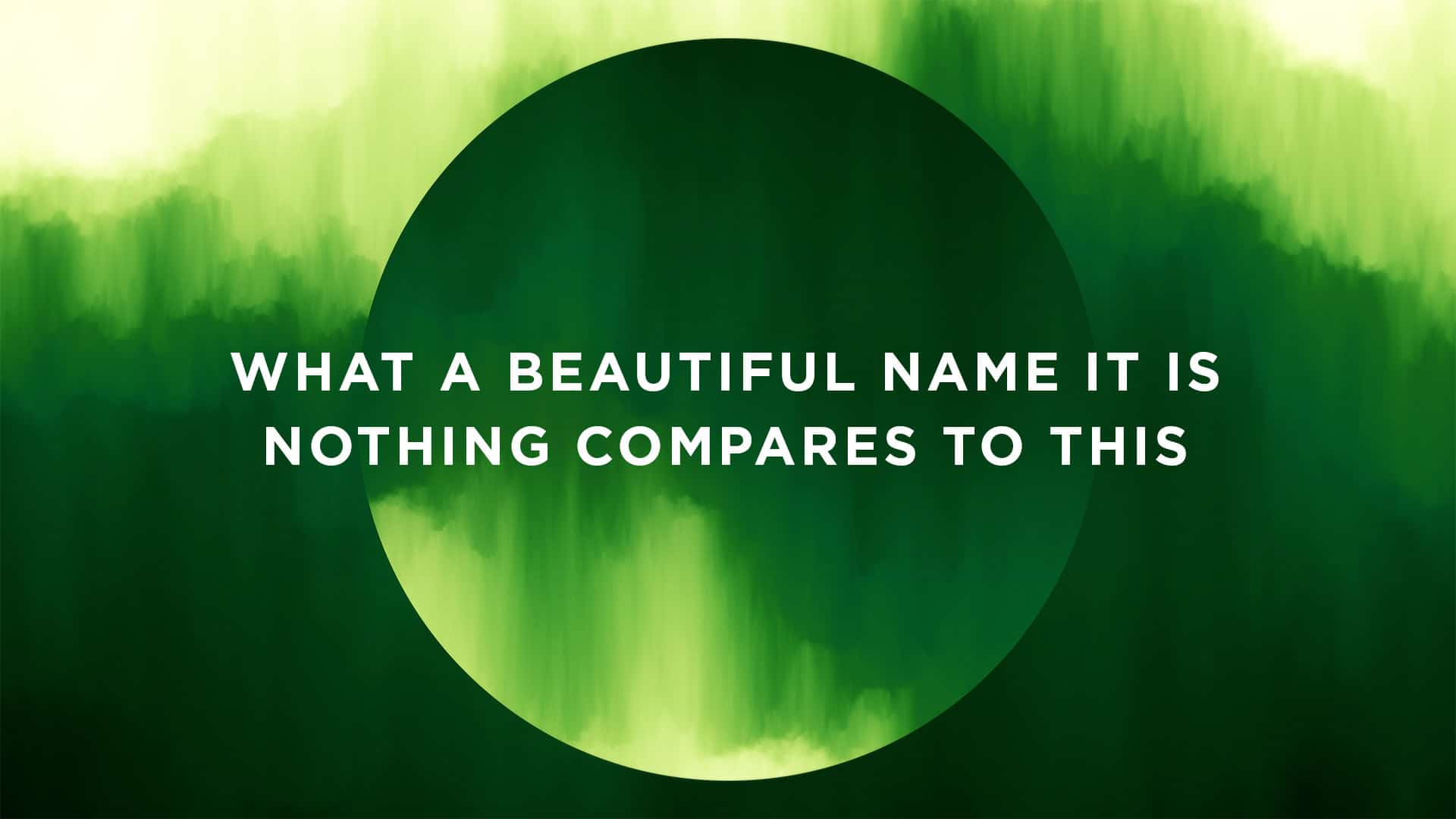
With more unique shapes, your text doesn’t need to stay inside the shape’s boundaries. Instead, overlay the text on the shape as you normally would lay it out on your slides.
Updated